
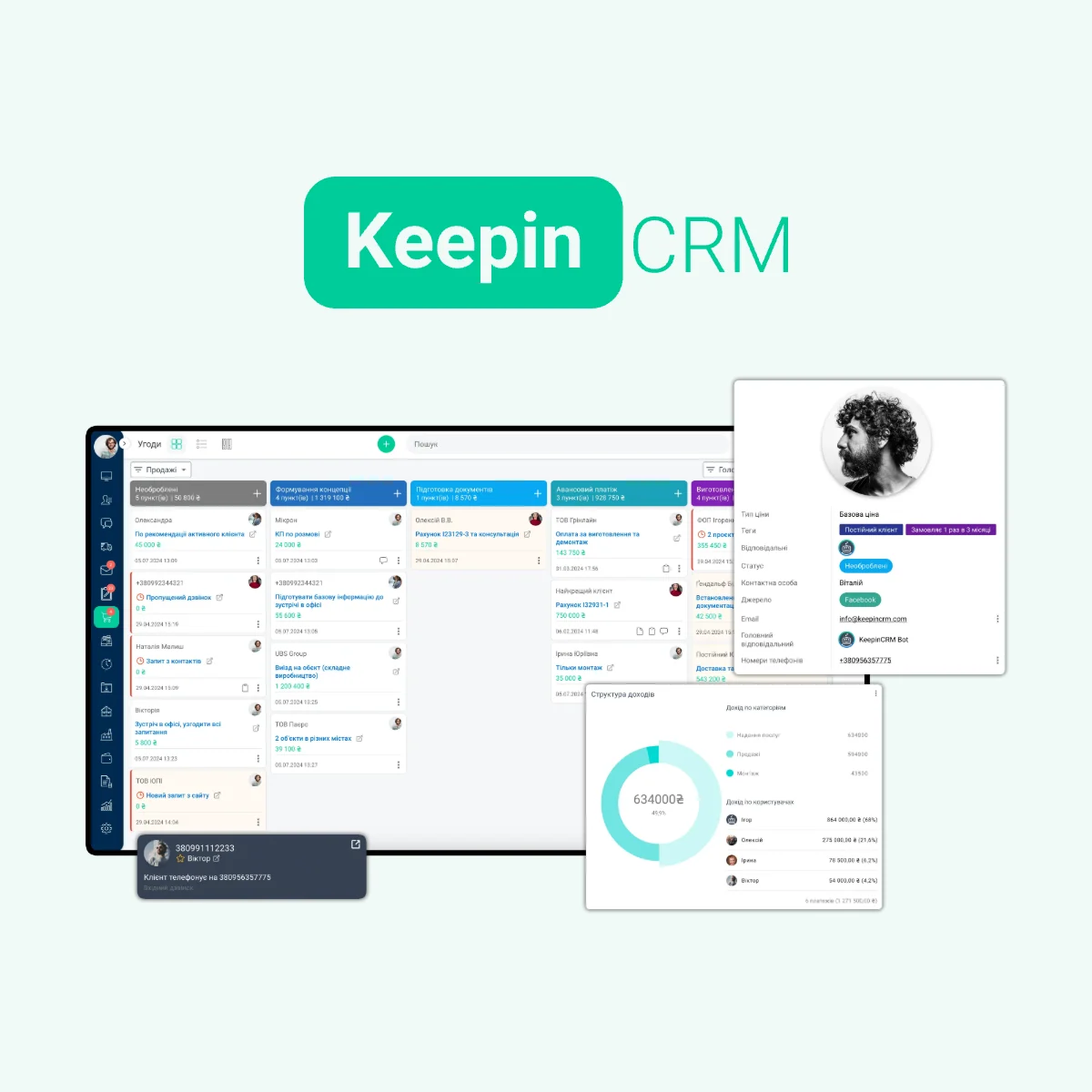
The client wrote in the messenger, the order entered the table, the balance of the goods is checked by the warehouse, and the payment is made by the accountant. In order to respond to the customer, the manager has to gather information in several places.
KeepinCRM integrates these parts of the work: from the first contact to payment and order fulfillment. This is a Ukrainian system for small and medium-sized businesses, in which, along with the client base, there are agreements, tasks, communications, inventory, finances and documents. Let's consider how such a combination is useful in practice.
Try KeepinCRM free for 14 daysClient, correspondence and arrangements - in one place
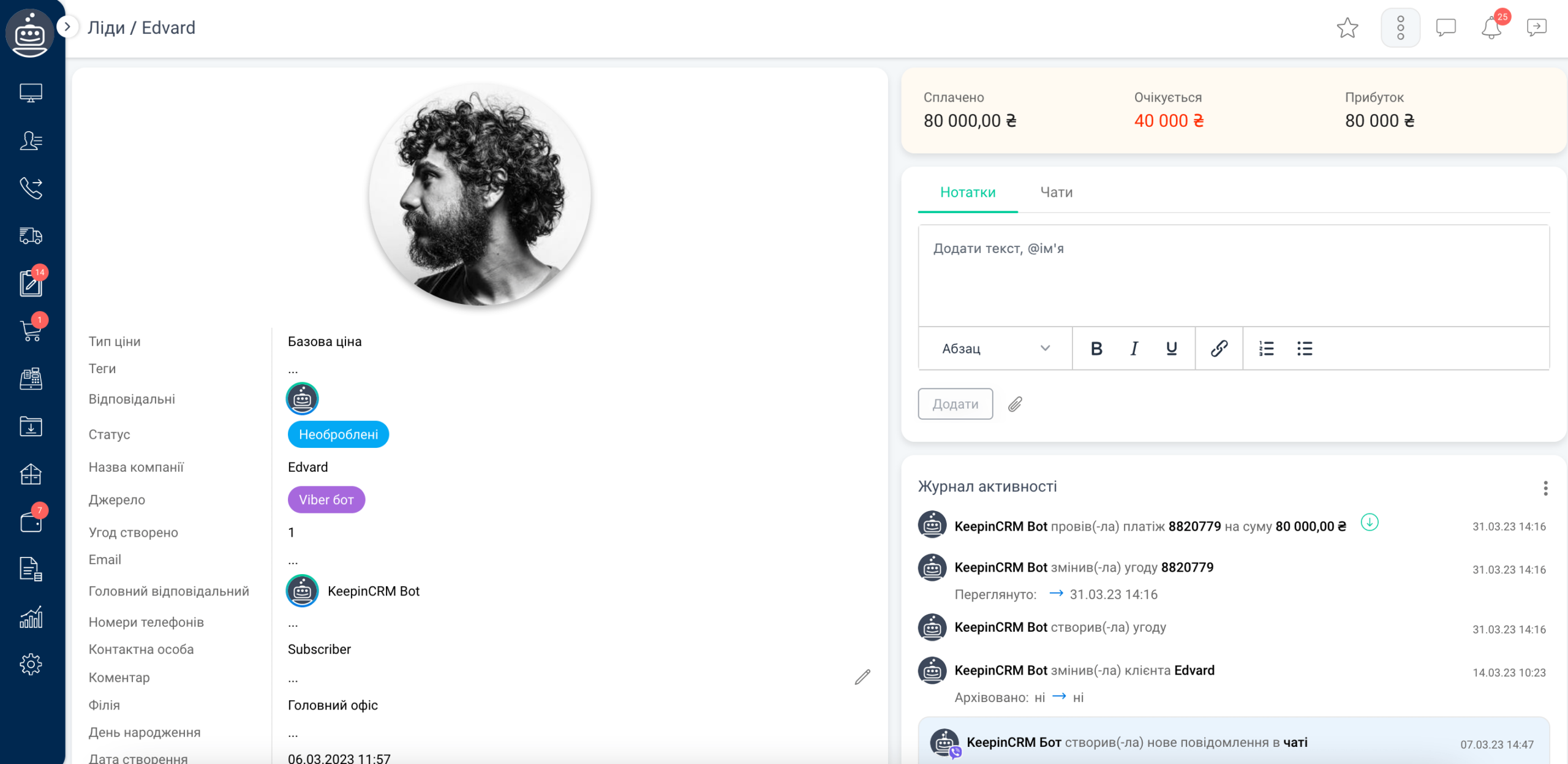
The manager needs context: who contacted, what was discussed, what purchases have already been made, and what needs to be done next. In KeepinCRM, the customer's card is linked to the transaction history, tasks and comments of the team.
Communication channels can be connected to CRM. In the chats, there is a transfer of dialogue to another employee, response templates, file sharing, and saving history in the client's card. Various methods of connecting messengers are supported: for example, Telegram and Viber through chatbots, and working with Viber, Telegram and WhatsApp numbers through E-chat.
What this gives: if the manager is on vacation, the colleague can continue the conversation with the available story. There is no need to ask the customer to explain the order again. Channel set and connection conditions need to be checked for your scenario.
Sales are related to order fulfillment
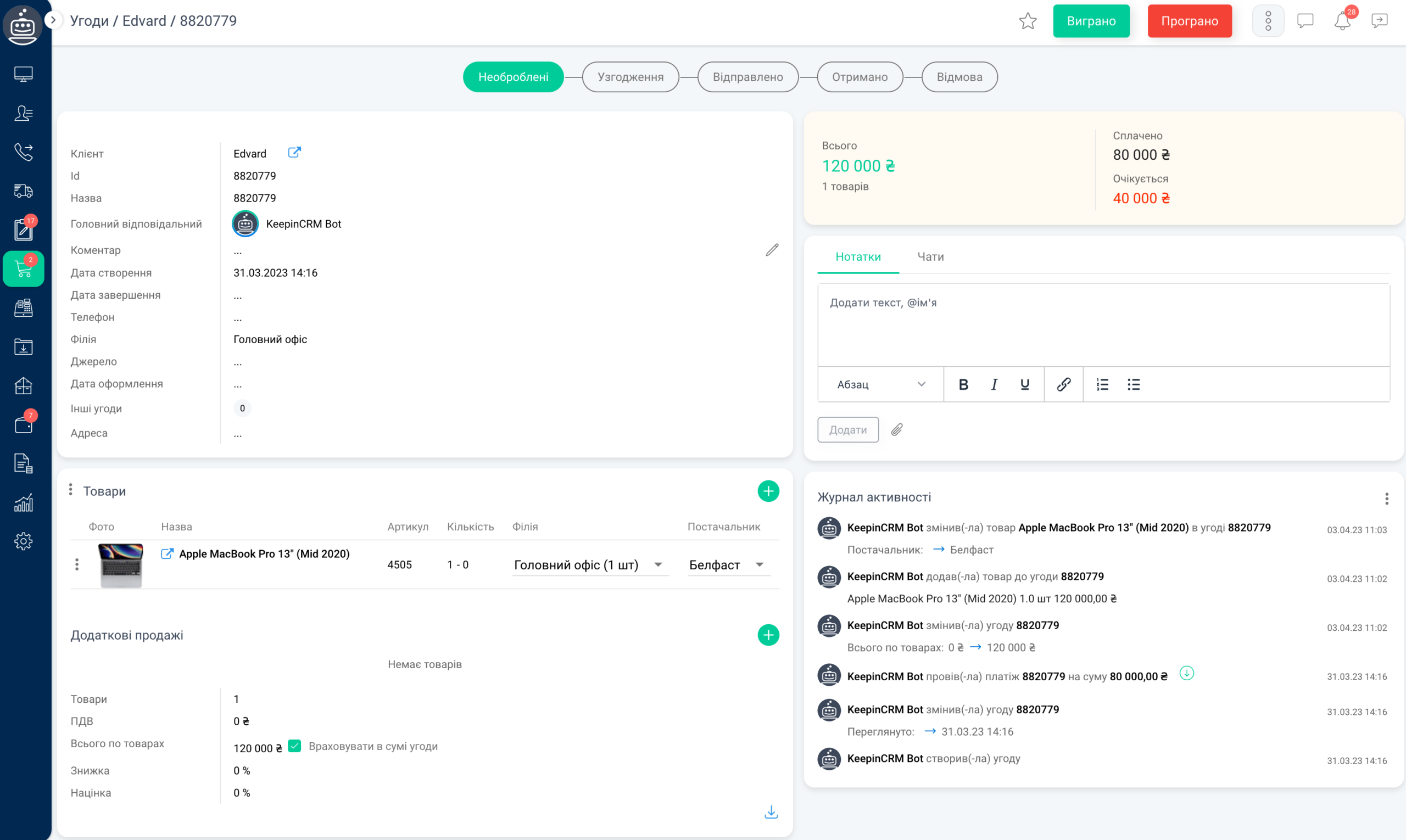
Deals are placed by funnel stages. For a store, this can be confirmation, payment, packaging and shipping. For services — clarification of the task, proposal, approval and implementation.
In the agreement itself, the team works with goods or services, amount, payments and documents. Tasks with responsibilities and deadlines show who should take the next step.
Example: the manager approved the order, fixed the subscription and set the task for execution. The colleague sees this data in CRM, and the manager can check at which stage the work stopped.
Warehouse and purchasing work together with sales
For the commodity business, KeepinCRM has warehouse accounting: bookings, write-offs and returns, receipts and movements between warehouses. You can maintain product modifications—for example, sizes and colors—and different price types.
There is import of goods, synchronization through YML, history of changes and sales. Working with suppliers includes purchasing and linking the purchase to the customer's order.
What this gives: the manager can work with availability and reserve in the same system where he maintains the order. And if the product needs to be purchased, the connection between the customer's need and supply is maintained.
Payments and documents do not need to be kept separately from transactions
In KeepinCRM, you can record subscriptions, income and expenses, schedule payments and monitor outstanding amounts. Multiple currencies, finance categories, file attachments to payments and management statistics are supported.
Invoices, contracts and acts can be created according to your own templates with CRM data. This reduces re-filling of details and helps keep documents close to the order.
Example: the customer has paid part of the cost. The manager sees the amount received and the balance, creates a document and continues work with the same transaction. The financial module here serves to manage the company's work; accounting requirements should be assessed separately.
Automation performs the routine and checks help avoid omissions
KeepinCRM has two useful tools: triggers perform actions on conditions and validations check data before action.
- At a certain stage of the agreement, you can automatically create a task or generate a document.
- After successful payment through connected acquiring — change the work stage.
- Before proceeding to the shipment, check the presence of TTN.
- Before moving to a certain stage — require filling in the required field or assigning a responsible person.
Example: the manager is trying to transfer the order to "Shipped", but there is no invoice yet. A customized check stops the action and displays a message. This is how company rules become part of the CRM process.
Automation needs to be configured and tested: The scenarios listed do not mean that they are all enabled immediately after registration.
Try KeepinCRM free for 14 daysIntegrations connect services that the business already uses to CRM
It is worth choosing integrations for a specific process. KeepinCRM has connections for various tasks:
- Sales and orders: Rozetka, Prom, Khorosop, OpenCart and other platforms. For example, the Rozetka integration allows you to work with orders and link their statuses with CRM stages.
- Banking transactions: Monobank and PrivatBank. Statements help verify receipts and link them to payments in the system.
- Accepting payments: LiqPay and Plata by mono. In particular, through LiqPay, you can create a payment link from the transaction and track the payment result.
- Shipping: Nova Poshta, Ukrposhta and Meest Poshta. Creation of TTN, printing and delivery status tracking are available for Nova Poshta.
- Calls: Binotel, Ringostat, UniTalk and other telephony services. Specific capabilities depend on the selected connection.
- Applications from the site: specifically scripts for WordPress / Contact Form 7 and WooCommerce. There are APIs and webhooks for custom solutions.
The possibilities of integrations differ: the presence of a service in the directory does not mean the same synchronization of all data. Before starting, they check the required fields, the direction of data transfer, the CRM tariff and the conditions of the third-party service.
CRM can be customized to your company's processes
Different teams have different data and rules. KeepinCRM allows you to use custom fields, customize funnels and employee access. This is important when sales, warehouse and supervisor work in the same system but have different responsibilities.
For example: for services, a brief and a deadline are required, for a goods order, an article number, quantity and delivery. During implementation, these differences should be taken into account in the CRM structure, so that employees fill in the necessary information.
Who should take a closer look at KeepinCRM
- Online stores and sellers on marketplaces - when you need to link orders, products, payment and shipping.
- To service companies and B2B sales departments - when negotiation history, next contact, documents and execution control are important.
- A business with several employees or areas - when information should be available to the team according to roles, and not remain in personal tables.
A practical way to evaluate a system is to walk it through one typical process for you: from application to completion. So you can see which modules are needed and what will have to be configured.
How to try KeepinCRM and where to start implementation
After registration is provided 14 days of test access to the extended tariff. There is also a free plan for one user with a limited set of features. The terms of integration and required modules should be checked with the current tariffs.
Start with one process: define the stages, responsibilities and data the team needs. Then connect the order source, test the work on a test order and gradually add automation.
Try KeepinCRM free for 14 daysNeed help setting up your CRM? Refer to iWeb. Let's discuss your sales, lead sources and services that you want to connect KeepinCRM with and determine the scope of implementation.
According to the official KeepinCRM website: system capabilities, chats, warehouse, finance, documents, triggers, validations, integration, tariffs. Information verified on September 21, 2026.