ChatGPT Business Hub is OpenAI’s dashboard for business owners and authorised representatives. It lets you manage a company profile in ChatGPT: what you offer, how customers can contact you and where they can place an order. ChatGPT can use these details when someone asks about your business.
Suppose someone asks, “Is this salon open on Saturday, and how do I book?” If the profile includes opening hours and a website, the customer can check the hours in the chat and follow the link to book. Once enough data is available, the owner can see how often people opened the profile and clicked through to the website.
“Which salon should I choose?” is a different question. Creating a profile does not guarantee a recommendation. This guide shows what you can manage and measure yourself.
Is ChatGPT Business Hub available in Ukraine?
The owner or an authorised representative starts the claim from their own ChatGPT account. You can do this without buying ads or signing an Enterprise agreement. The options you see depend on your location and business type.
| Business type | First step |
|---|---|
| Online service business | Enter the name customers know you by. If your business is missing and the option is available, choose Create. Once approved, add your services and website to the profile. |
| Online store | Claim your merchant profile. To share current prices and stock levels, prepare a product feed. If your Shopify store is connected, you can use its existing catalogue. |
| Local shop or restaurant | As of 26 November 2026, OpenAI’s guidance limits claims for these businesses to existing US listings. A Ukrainian retailer that also sells online can check eligibility for its e-commerce business separately. |
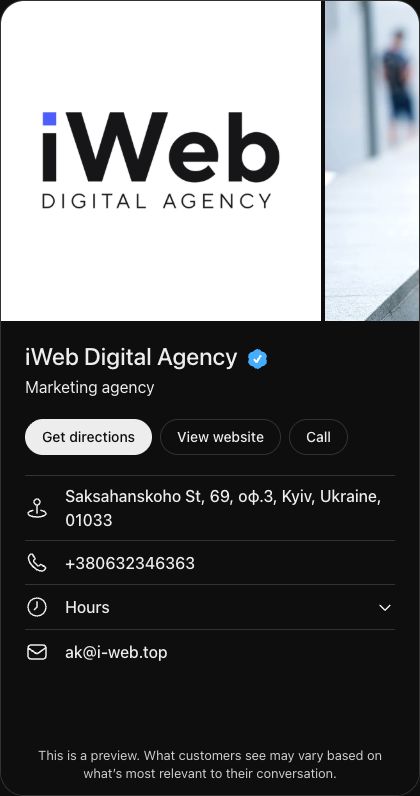
We tested this process with the verified profile of a Ukrainian agency offering services online. Check which options apply to your business in OpenAI’s eligibility guidance.
1. How to add your business to ChatGPT
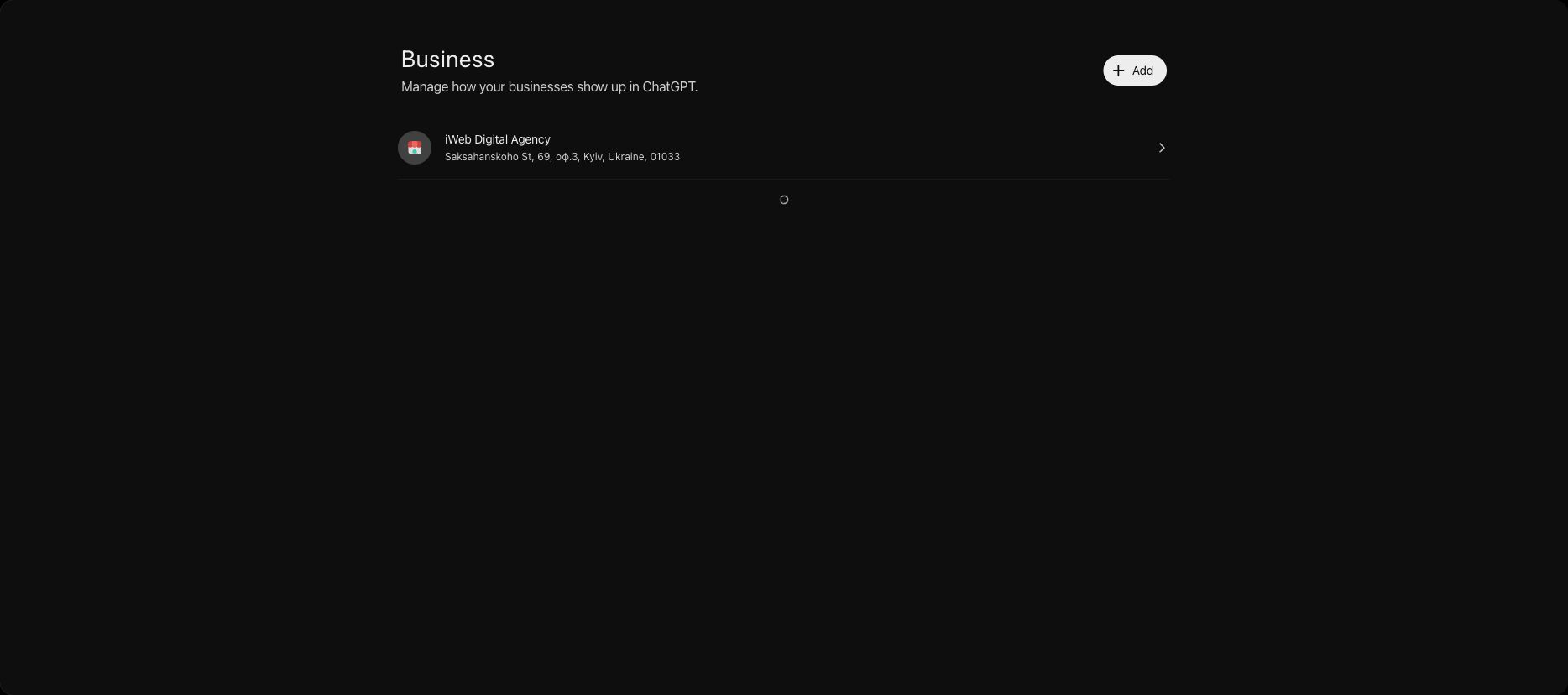
- Sign in to ChatGPT and open Business Hub. If you see a list of businesses, choose Add to open the form.
- In the business search field, enter the name your customers use. The screenshot uses a fictional name, “Three Lanterns Workshop”. You will add your website in a separate field later.
- If none of the suggested listings is yours, select Create followed by the name you entered. Check the spelling before continuing.

Confirm the trading name, enter the website and complete the fields offered. If verification asks for a Legal business name, use the name on your registration documents. Check both names before submitting. When you create a new profile through Persona, approval automatically publishes it.
What if my business already appears in the list?
Open the listing and check its address and website. If they match, claim that profile. If a colleague already manages it, ask them to invite you to the dashboard.
2. Claim your business on ChatGPT and verify your identity
Check which ChatGPT account is shown before submitting. You will need it to return to the claim. Depending on the listing, you may be offered a business email, phone call, DNS TXT record or Shopify connection. If an outside contractor manages your domain but you can open the company inbox yourself, email may be the quickest option available to you.
Persona verifies the representative’s identity separately. Approval is required to publish profile changes and view insights. Have the company’s registered name and address ready. While the application is under review, check the account email for a decision or a request for further information. OpenAI’s guide to verification and team access.
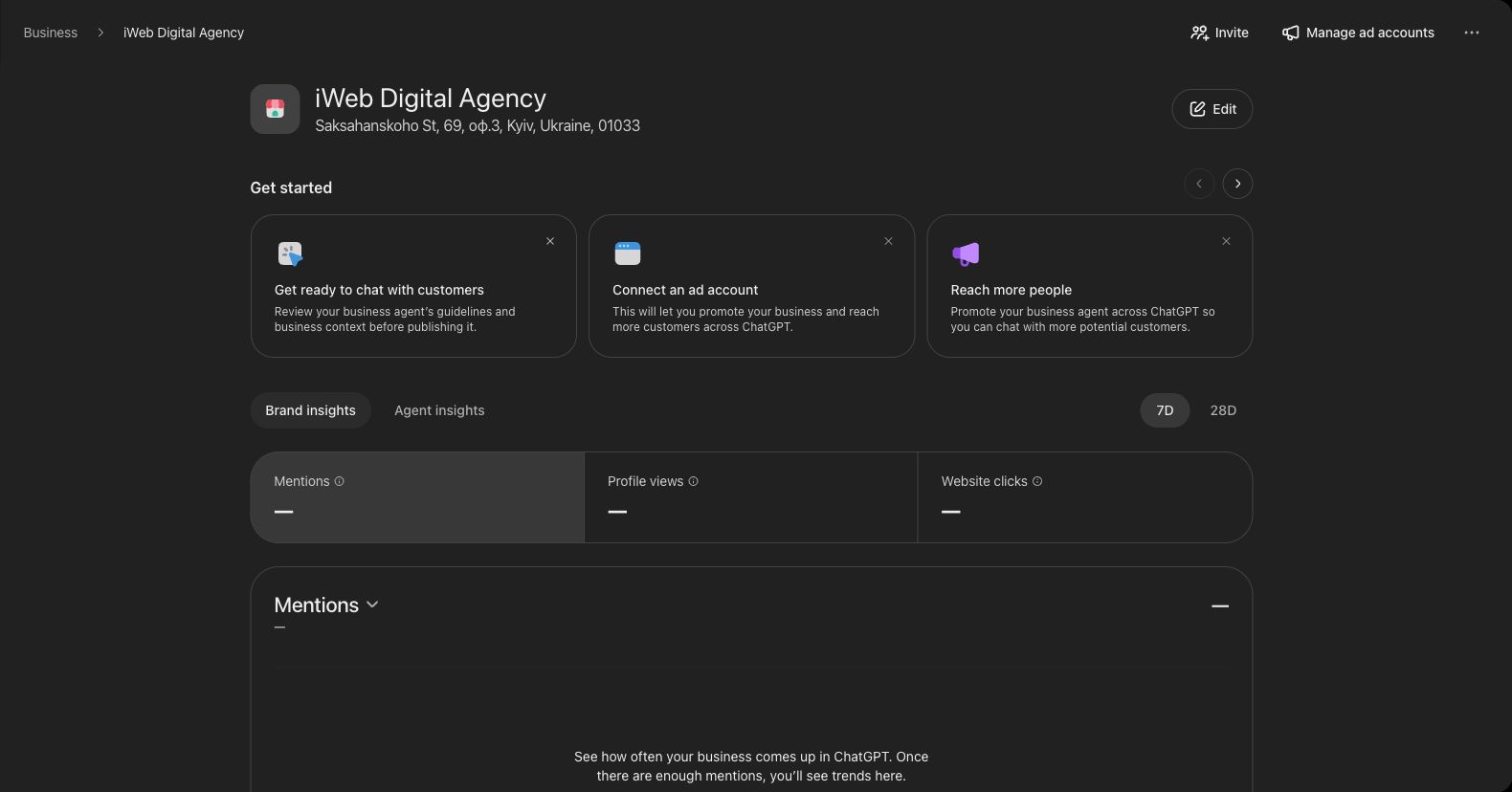
How to tell when editing is available
Open the company from the account you used to claim it and choose Edit. If you can see the description and contact fields, you can start making changes. If verification is still requested after you receive approval, check the account and profile name. When contacting support, include the error message and a screenshot with codes and identity details removed.
3. Give customers the details they need to contact you
Open the editor beside your company name. Keep your website’s contact page open alongside it. This makes it easier to catch an old phone number, the wrong branch address or a link to a previous version of the site.

Category and description
Choose a category a customer would use to find your business. In the description, explain what someone can order and any conditions they should know before calling. “We measure and fit blinds in Kyiv and the surrounding suburbs” gives both the service and the area covered. After saving, read the description in the preview and check that the last sentence is visible.
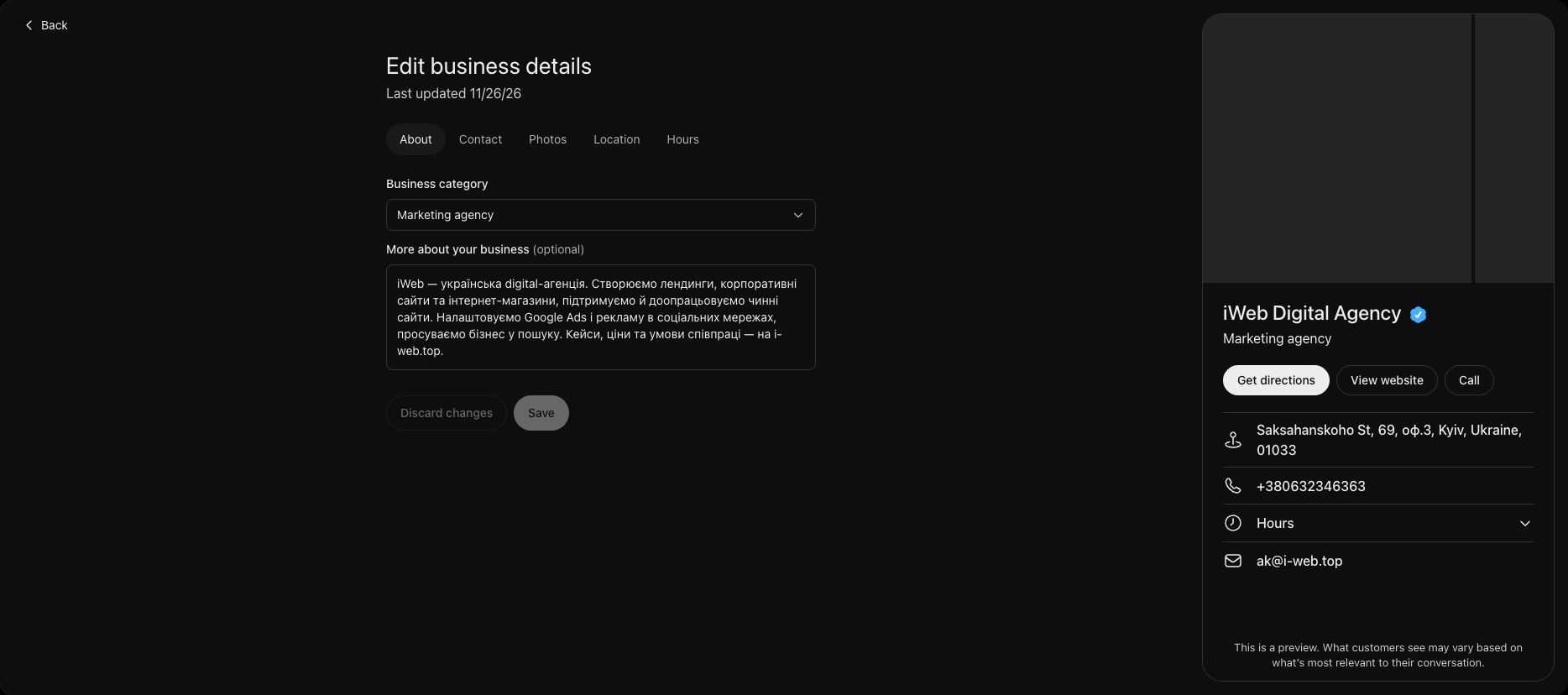
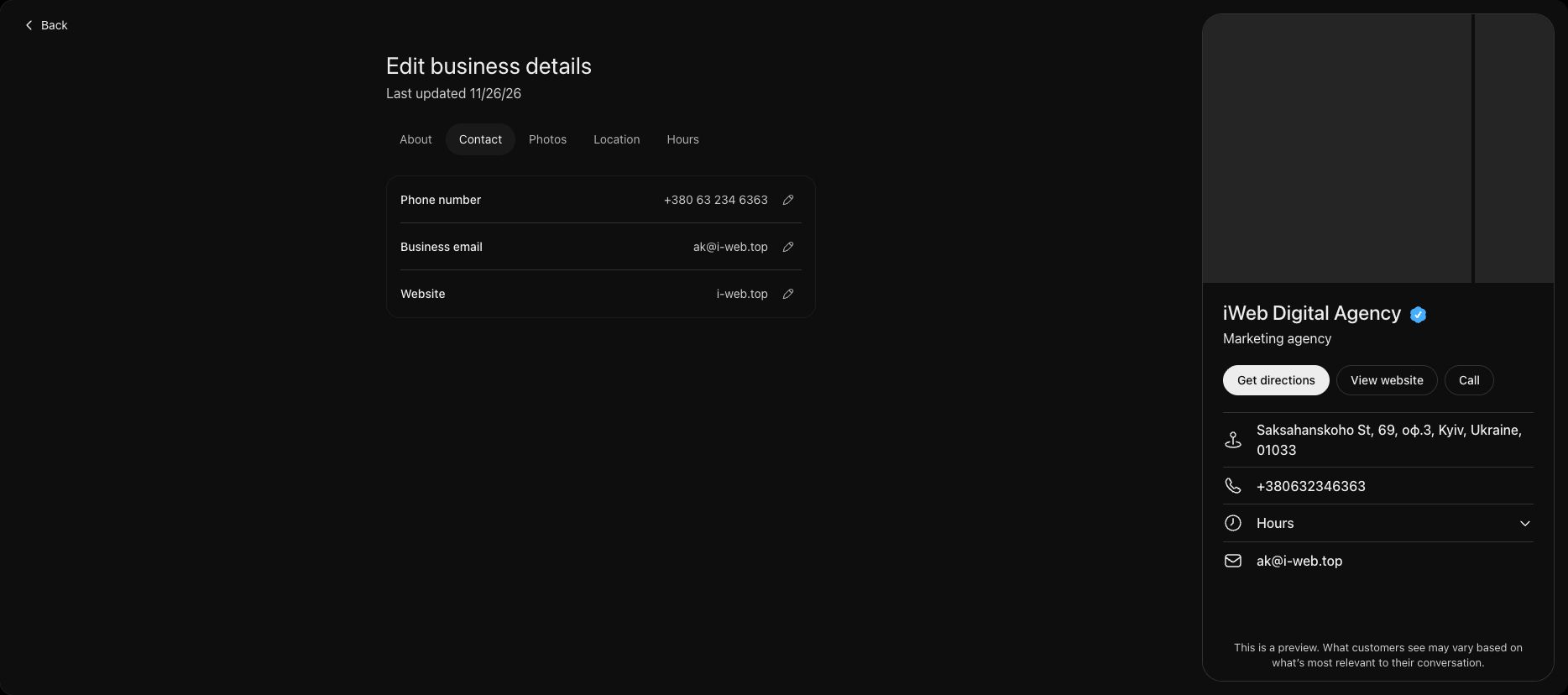
Phone, email and website
Use the contact details your team monitors. Updating a phone number or email may require a code. Our profile offered WhatsApp and an automated call for the phone number, with a separate code for email. Arrange for someone to answer the phone or check the inbox before starting. Once verified, reopen Contacts to check what was saved.
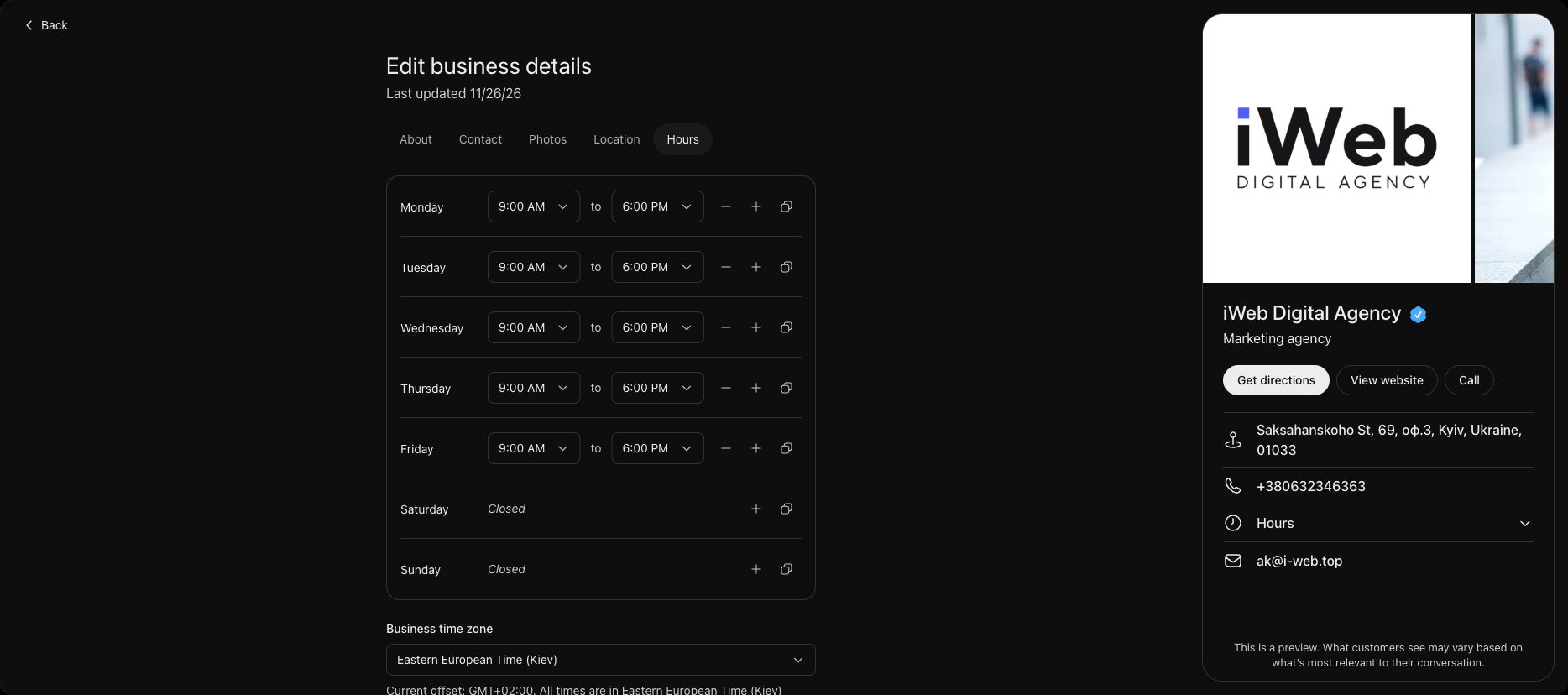
Address and opening hours
Enter the hours customers can visit the address in the listing. An online store might take orders around the clock while its showroom closes at 6 pm. Someone planning a visit needs the showroom hours. Check the time zone, daily opening times and days marked closed.
Photos
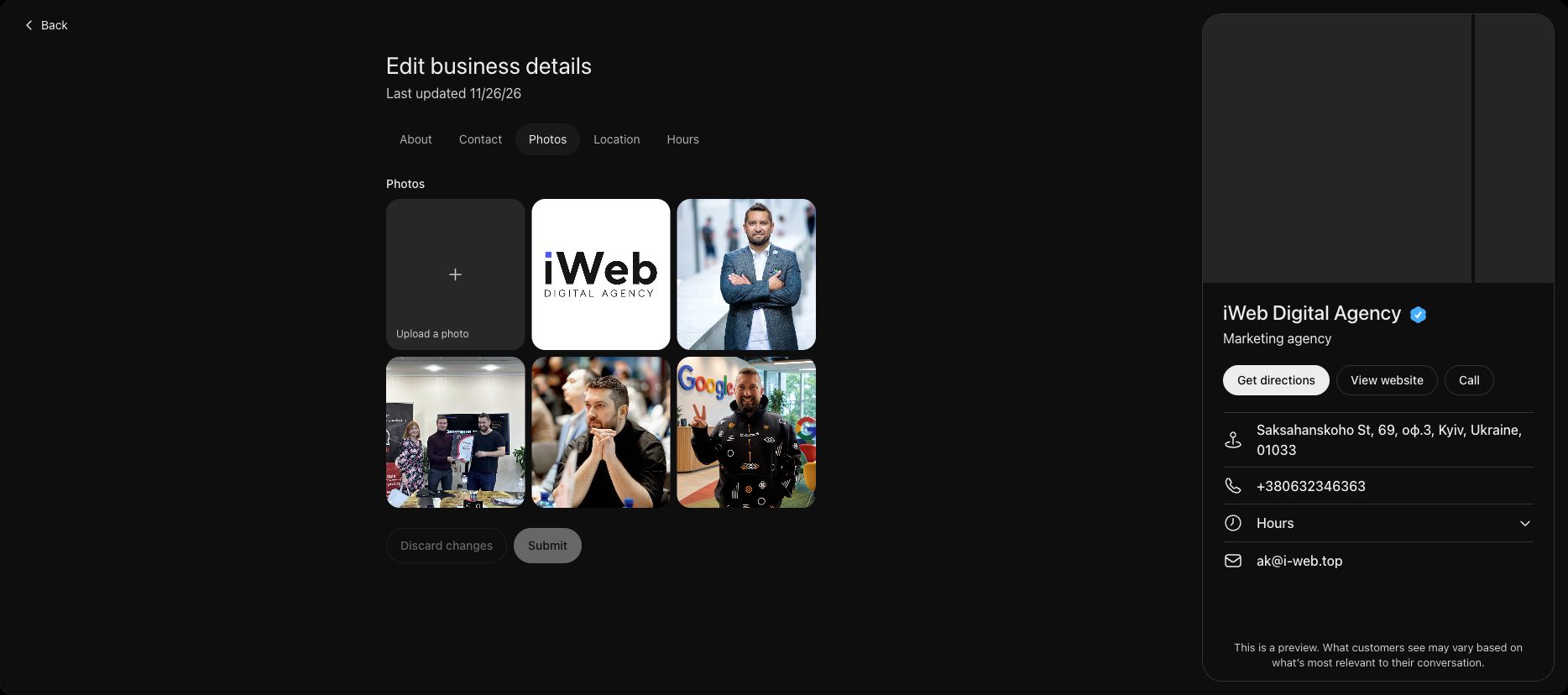
For a shop or office, choose an image that helps visitors recognise the entrance. For a service business, show the team at work or a completed project. Use the arrows to move the lead image into first place. Check how portrait photos are cropped in the preview.
If Submit is disabled, check the hint beside it. The profile shown here required at least three images. Changes can go through review, so a new photo may appear in your preview before customers see it.
4. Decide whether you need a product feed or a business agent
For online stores. Start with an item whose price, photo and stock you can check against the website. If size 42 of a shoe has sold out but size 43 is available, check the two variants separately. Upload a CSV or provide a direct link to the feed file. After import, inspect the upload history and the Issues tab. If a price differs from the website, check the variant and currency first. OpenAI product feed specification.
How to check a product before uploading your catalogue
| Field | Size 42 | Size 43 |
|---|---|---|
item_id | RUN-42 | RUN-43 |
group_id | RUN | RUN |
price | 89.00 EUR | 89.00 EUR |
availability | out_of_stock | in_stock |
The two sizes share a model identifier but have separate item IDs. Open the URL from the size 43 row on a phone. Is that size selected? Can you buy it at the listed price? Repeat for size 42 and check that the page shows it as sold out. This catches errors a successful file import can miss. A complete feed also needs the required product fields and the selected options for each variant. Variant fields and examples from OpenAI.
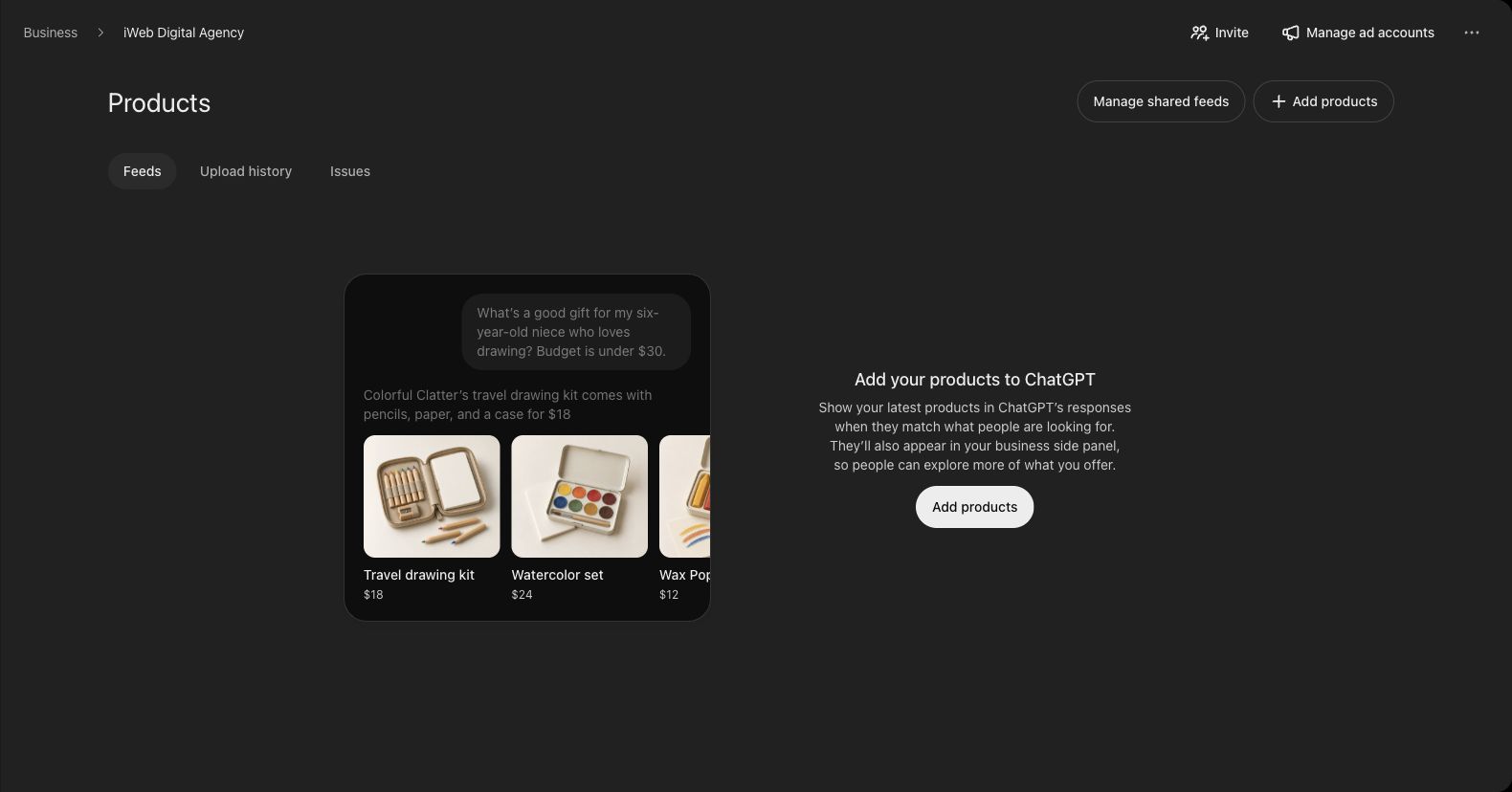
For service businesses. Describe commissioned work such as web development, maintenance or campaign management in your profile, and put prices and terms on your website. These packages involve work performed for the customer after purchase, an unsupported format for a product feed. A fixed price does not change the nature of the service. OpenAI commerce policies.
A business agent is a separate feature available to eligible companies. Customers can choose to chat with it about your products or terms. If you see an agent builder in your dashboard, open it to check your eligibility. You can manage your company profile and read its insights independently.
Before publishing an agent, test two questions your staff hear regularly. For a retailer, try “How do I exchange this if the size is wrong?” and “Where can I check the delivery time?” Compare the answers with your published policies. If the agent quotes a different delivery time or gives an outdated link, correct its source or instructions and test again.
5. Measure website clicks and enquiries from ChatGPT
Choose a reporting period in Brand insights. In the dashboard shown here, the choices were 7 and 28 days. Each metric records a different interaction.
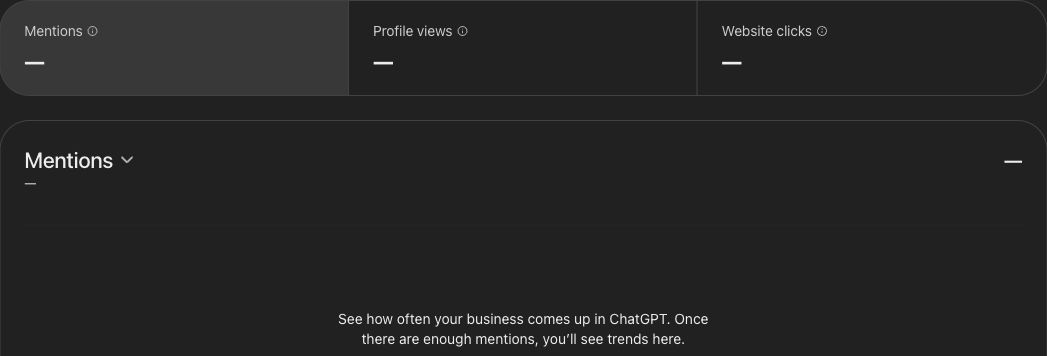
- Mentions. For an online business, a mention counts when ChatGPT references its website. For a local business, showing a result for that location counts as a mention.
- Profile views. Someone opened the business profile in ChatGPT. They might have checked the address and ended their search there.
- Website clicks. Someone clicked through to the company website. To see whether a visit led to an enquiry, you need a form submission event and a corresponding CRM record.
Trace a website visit to an enquiry
Suppose Business Hub reports clicks over 28 days but sales has no enquiries attributed to ChatGPT. Open the GA4 Traffic acquisition report for the same dates. Choose Session source / medium and look for chatgpt.com. Check landing pages and successful form submission events for those sessions. If your tracking sends a non-identifying enquiry ID, match it to the record in your CRM.
Someone can click twice during one session. Visitors can also decline analytics cookies. Allow for both when comparing totals. A ChatGPT referral in GA4 alone does not establish that the visitor opened your Business Hub profile.
A dash marked “Unavailable” means the count for that period is unknown. A confirmed website access status applies to the saved URL. To assess how often your business appears in answers, use the mentions metric once enough data is available.
Record the date you completed setup and compare periods of equal length. Look at mentions, clicks and enquiries together. For a separate way to test which questions surface your services, see our guide to GEO and measuring visibility in AI search.
ChatGPT Business Hub setup questions
Use these checks if business verification stalls or your reports have missing data.
- The code goes to an old phone number. How can I verify my business?
- Check the alternatives offered for that profile. If domain verification is available, give the displayed TXT record to your domain administrator. Once it is in place, return to the claim and run the domain check.
- My profile is verified. Why can’t I open the agent builder?
- Read the availability message in the builder. If access is being rolled out to your type of business, submitting another ownership claim will not speed it up. You can still update your description, contact details and website link.
- Can I see the exact question a prospective customer asked?
- When enough data is available, the report shows common discussion topics. Businesses do not receive individual prompts or private conversations. How OpenAI reports business interactions.